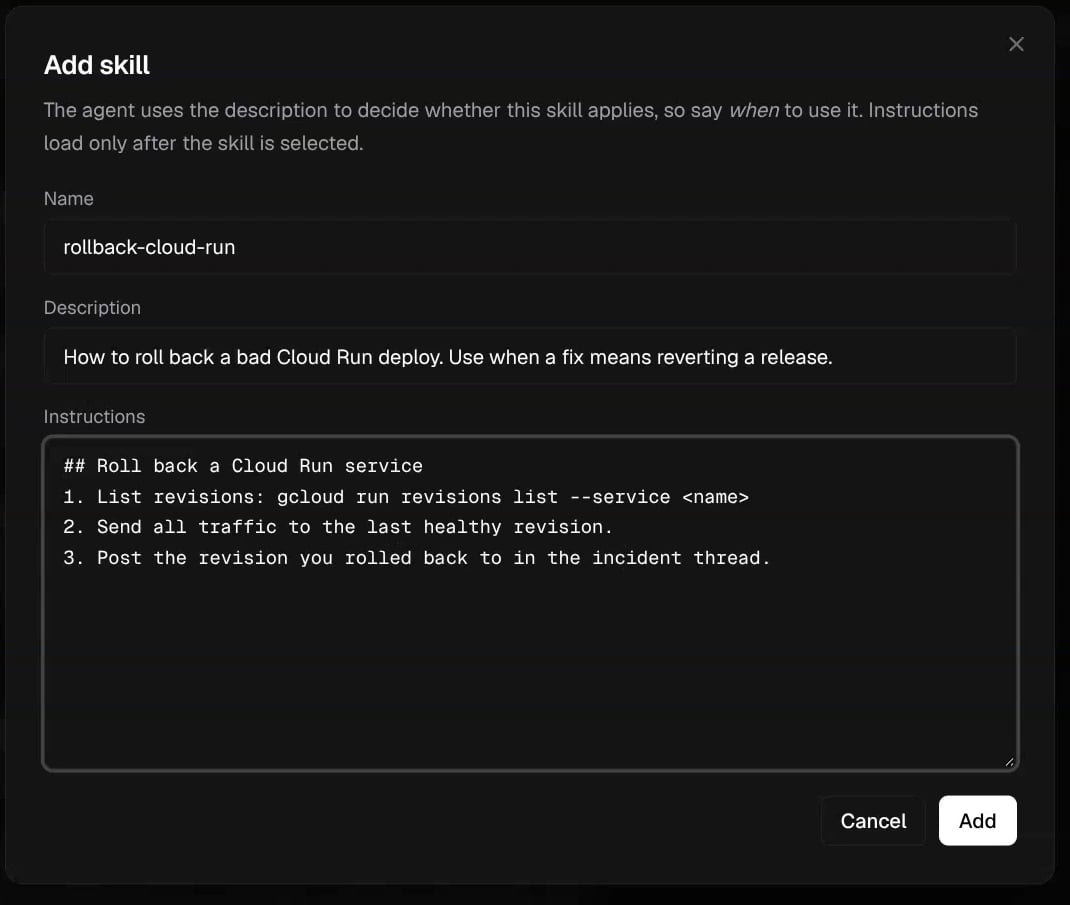
Add custom instructions

Open Agent in the sidebar and find Custom instructions. Enter your team’s guidance in Markdown, then select Save. These instructions apply to agent runs, including chat, alert investigations, and PR replies. The agent’s safety rules and tool constraints still apply. For example:
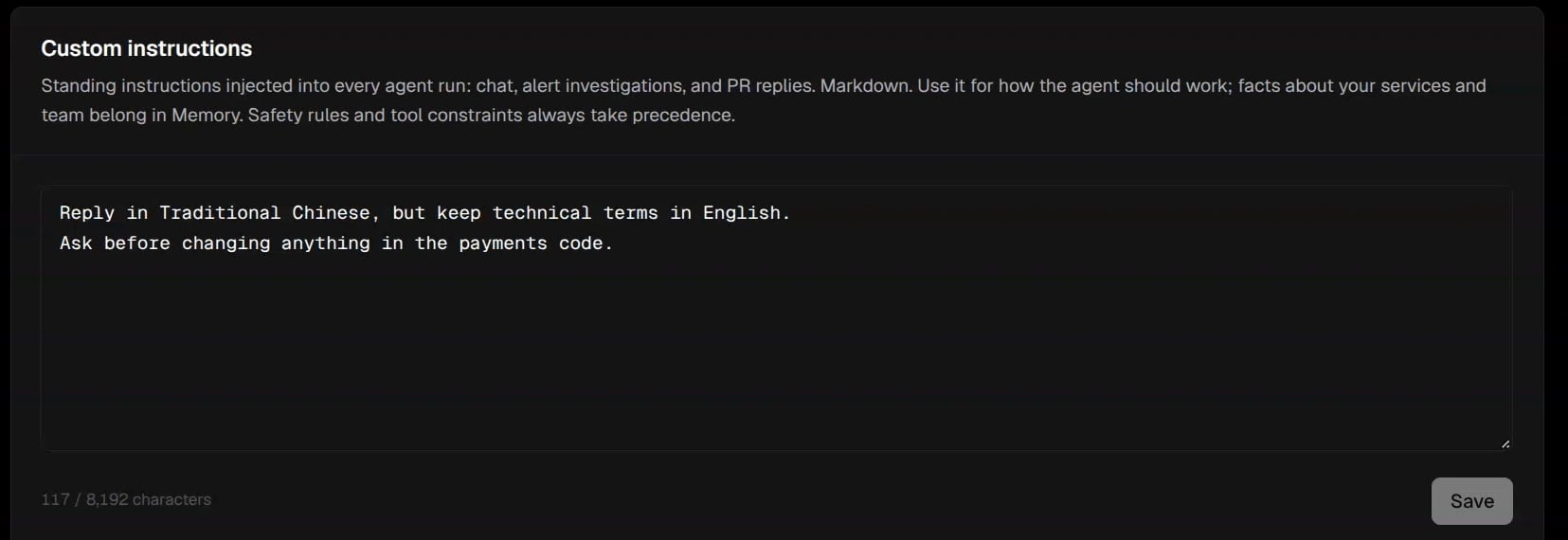
Use instructions for context the agent should have across tasks. Use Agent Permissions to control allowed Git and GitHub operations.

Connect an MCP server

MCP servers expose external tools that Corvo can call. Corvo supports remote servers over HTTP or SSE.
  1. In Agent, find MCP servers and select Add server.
  2. Enter a Name and the server’s URL.
  3. Choose the authentication method supported by the server.
  4. Complete the connection and check its status.
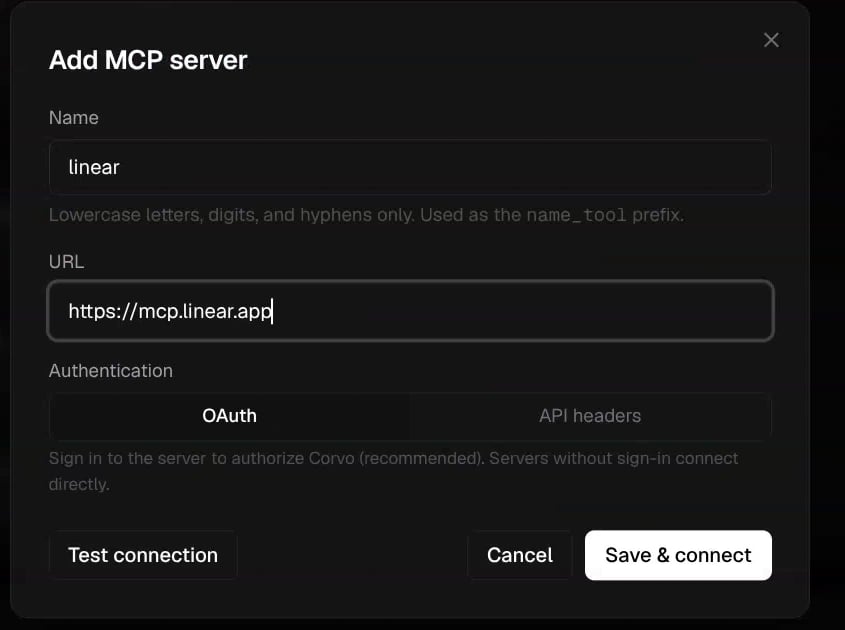
The name uses lowercase letters, numbers, and hyphens. It must start with a letter or number.

OAuth

Select OAuth, then Save & connect. Corvo checks the server and opens its sign-in flow if authorization is required. A server that does not require sign-in can connect directly. Complete the provider’s authorization and return to Corvo. Check the connection status.

API headers

Select API headers and enter the header names and values required by the server. Select Test connection to check access, then Add to save the server. When editing a saved server, leaving a stored header’s value unchanged preserves the existing value. Enter a replacement value to update it.

Manage a connection

Use the server’s switch to enable or disable it. Edit the connection to update its configuration or test access. AUTHORIZED indicates that OAuth authorization has completed. CONNECTED indicates a successful connection check. Review an ERROR or AUTHORIZATION REQUIRED state before expecting the tools to work.

Understand external tool access

MCP tool calls use the connected server and its credentials. The Git and GitHub permission switches do not govern these external calls. Review the access granted by the MCP provider.

Troubleshooting

If Corvo cannot reach the server, check its URL and availability. If authorization is required, complete the sign-in flow. If the server does not support Corvo’s OAuth flow, use the API headers method supported by that provider.