Open Memory in the workspace sidebar to manage standing facts, such as where a service’s code lives or a known operational constraint. Active facts are available to the agent in chats and alert investigations, and to the alert orchestrator.

Add or review a fact

An editor or admin can type a fact and select Add fact. The agent can also propose facts while working. By default, agent proposals wait under Review agent proposals until an editor or admin approves or rejects them. Pending facts do not affect future runs.
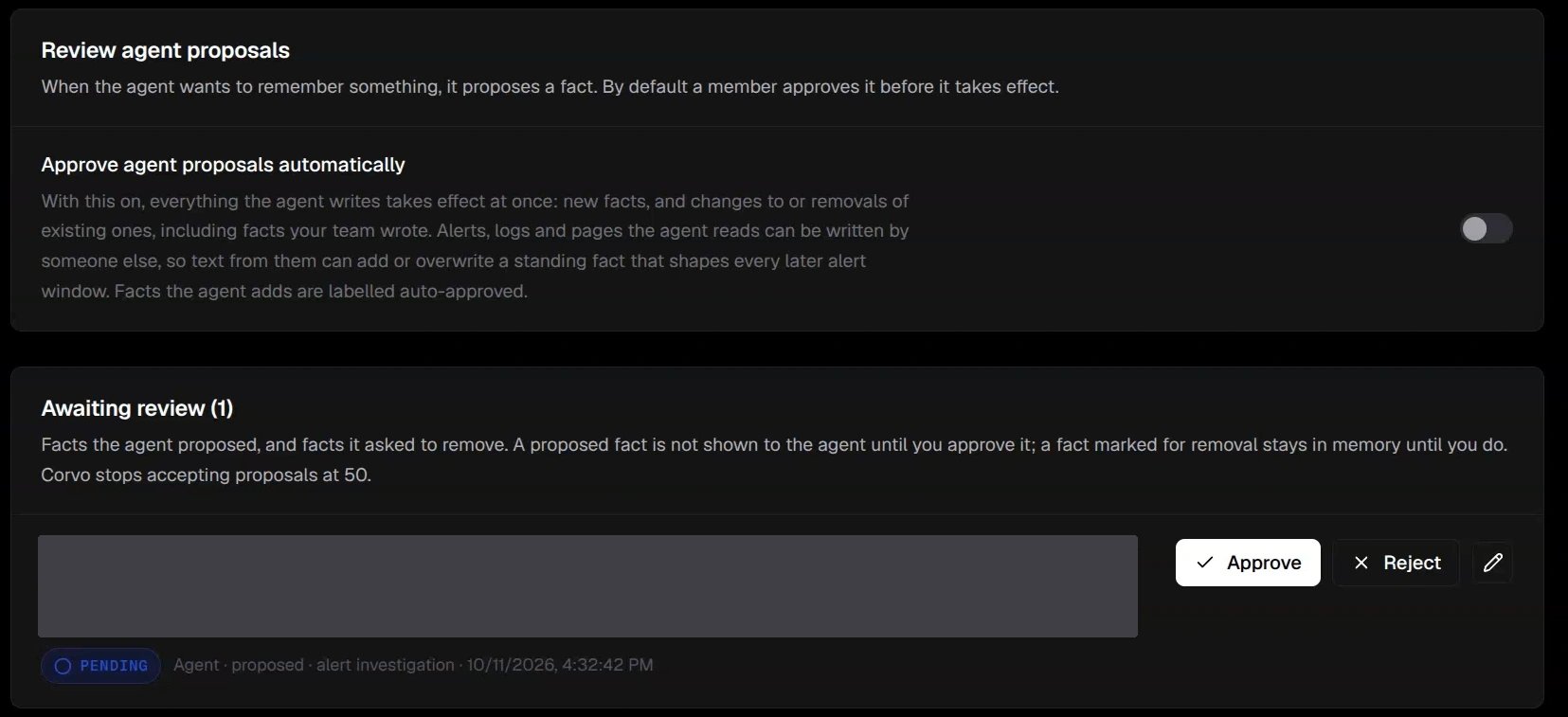
Memory controls with automatic approval off, a pending proposal, and Approve and Reject actions

With automatic approval off, proposals wait for Approve or Reject. The example fact is hidden.

Editors and admins can edit or remove active facts. When the agent proposes a replacement or removal, the existing fact remains active until its proposal is approved. Review each proposal against your own evidence before approving it.

Automatic approval

An admin can turn on Approve agent proposals automatically. With it enabled, agent additions, edits, and removals take effect immediately, including changes to facts written by members. Alerts, logs, and pages can contain text supplied by other people, so use this setting only when that behavior fits your workflow. Keep each fact short and specific. Put enduring information here; use Custom instructions for directions about how the agent should work.