

Install the Corvo GitHub App
- Open Integrations → GitHub.
- Select Install the Corvo GitHub App.
- Choose the GitHub account and the repositories the App may access. An organization may require administrator approval.
- Return to Corvo and check for CONNECTED.
Prepare the agent environment
- In Agent environment, select Add repo and choose a repository available to the App. Repeat for each repository Corvo should use.
-
Enter a setup command for each repository. Corvo runs it from the repository root on a clean machine with Node, Git, and
gh. Install the package manager and dependencies your project needs. For example, a pnpm repository may use: - Select Save & build. Corvo runs each setup command and prepares an environment snapshot.
- Wait for READY. Runs start from that snapshot and fetch the latest code.
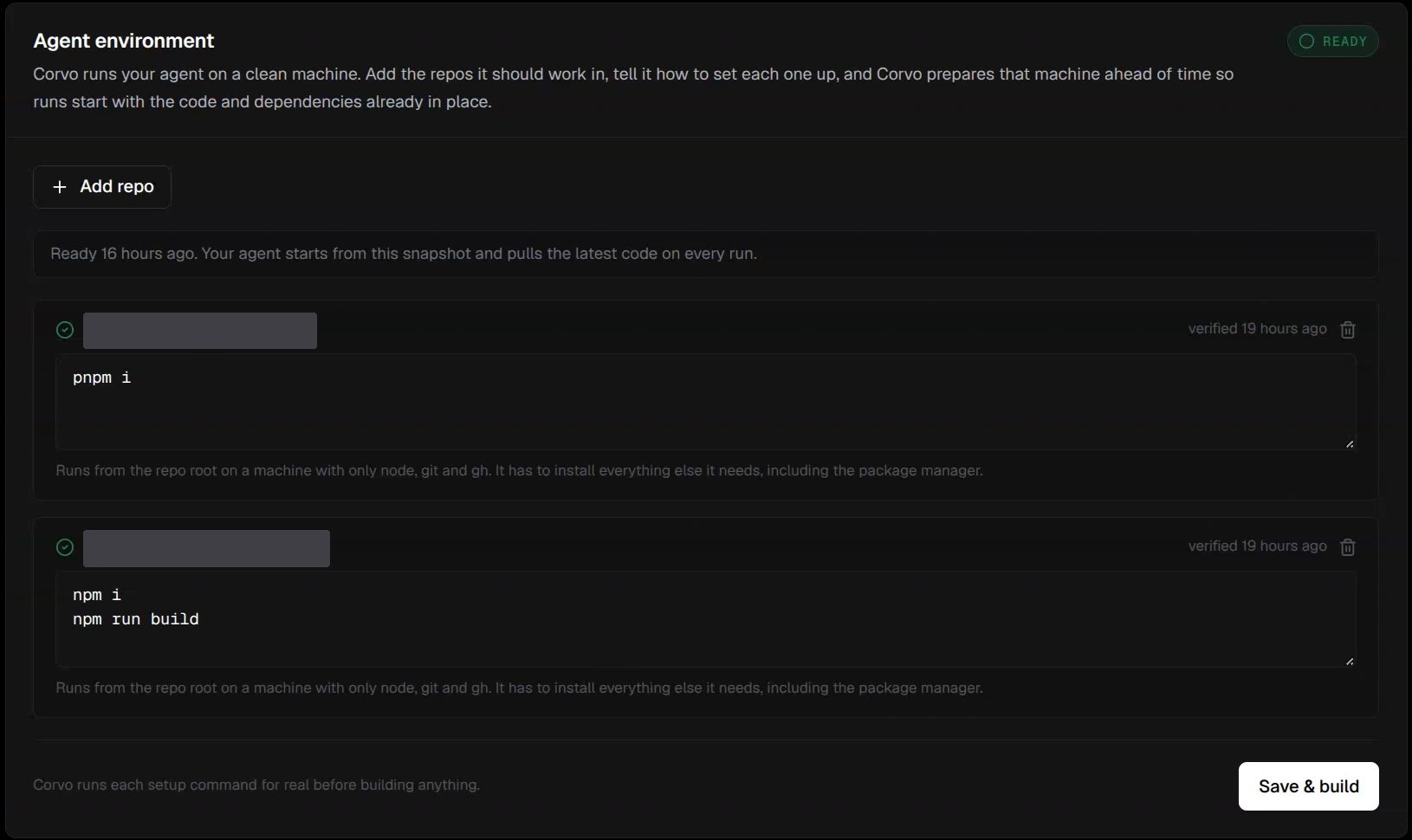
Add repositories, set their setup commands, and build until the environment shows READY. Repository names are hidden.