From alert to result

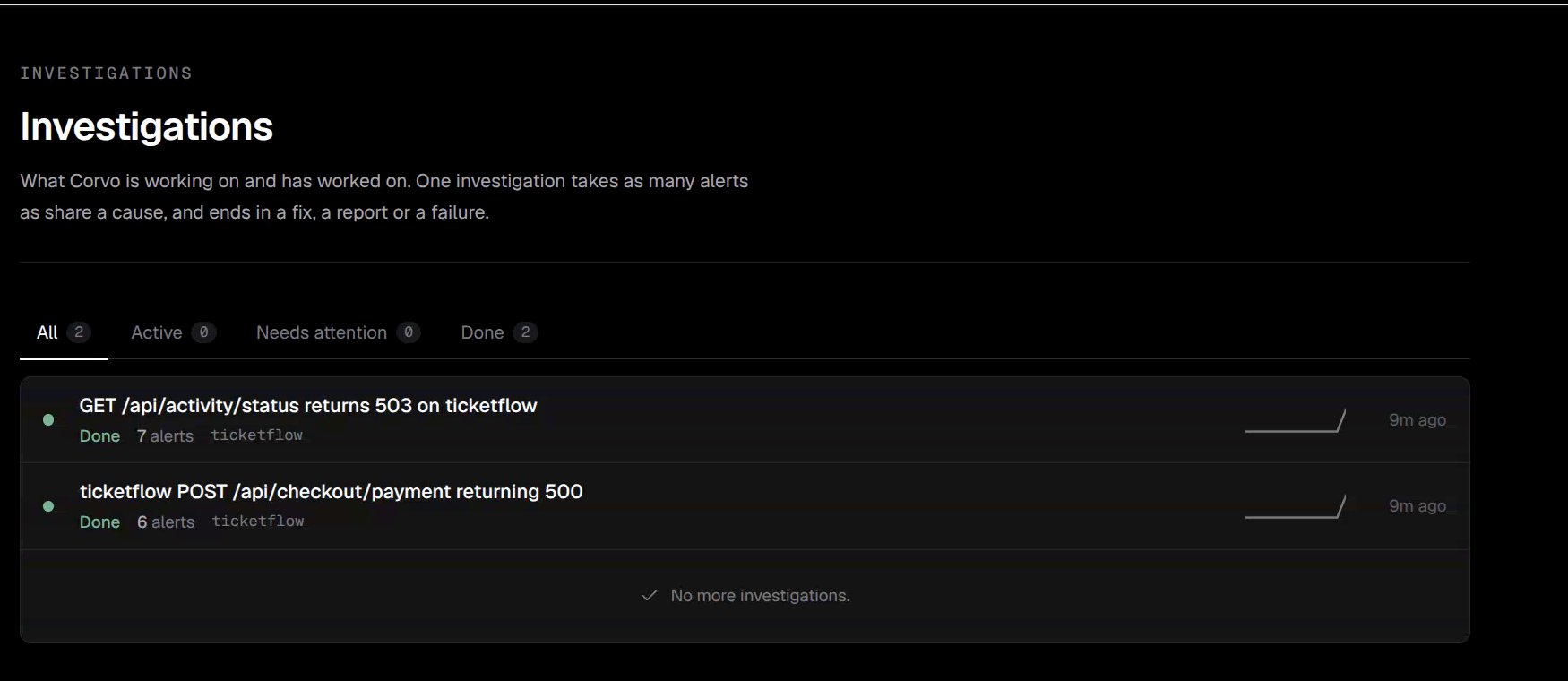
Corvo receives a matching alert, checks for earlier occurrences, and decides whether to start an investigation. It uses available Google Cloud data and the repository mapped to the affected service to investigate the error. The result can include findings, a Telegram update, and a fix pull request. A PR depends on the investigation, the service mapping, repository access, and the agent’s permissions.

Prepare your service

Complete the Quickstart to connect Telegram, GitHub, and Google Cloud. Bind the Cloud Run service to its repository on the Google Cloud integration page. Without a repository binding, the workflow falls back to reporting its findings.

Review an event

Open Incidents in the sidebar. The event table shows the time, project, revision, policy, processing status, and available links.

Incident events with processing status and related links

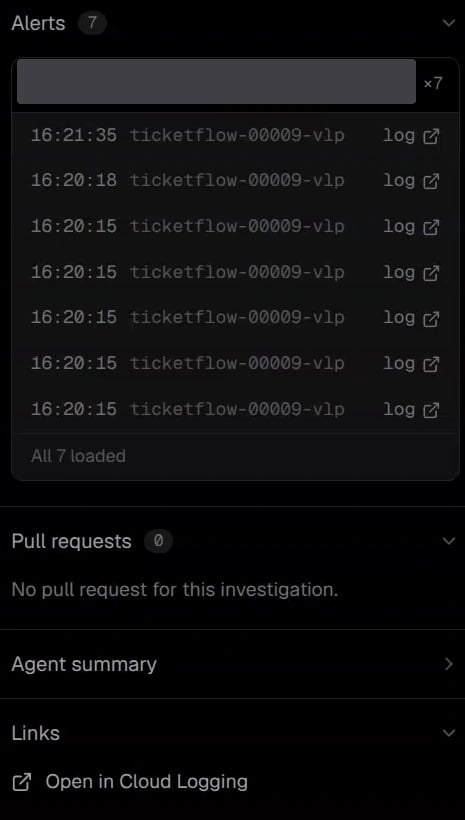
Use the links to open the matching Google Cloud log or resulting pull request. Some events have no PR or log link; unavailable links are shown as inactive icons. A COMPLETED status describes the processing run. Review the findings and PR to determine whether the underlying error has been fixed.

Review the proposed fix

Open the linked PR to inspect the changes and validation results. Corvo’s ability to create branches, push commits, and open draft PRs is controlled through Permissions.

When an error repeats

Corvo may record a recent duplicate silently, point to an existing open PR, or investigate again after an earlier fix was closed or merged. See Deduplication for examples.